Sign Up


What Does “Disavow Toxic Links” Mean?
Website owners who are just starting to promote their websites are worried about how to get more quality backlinks. Many of them do not even realize that, at some point, they will be more concerned with the question of how to disavow links. This is explained by the fact that spammy linking cannot be ignored if you want to maintain your high positions in SERPs.
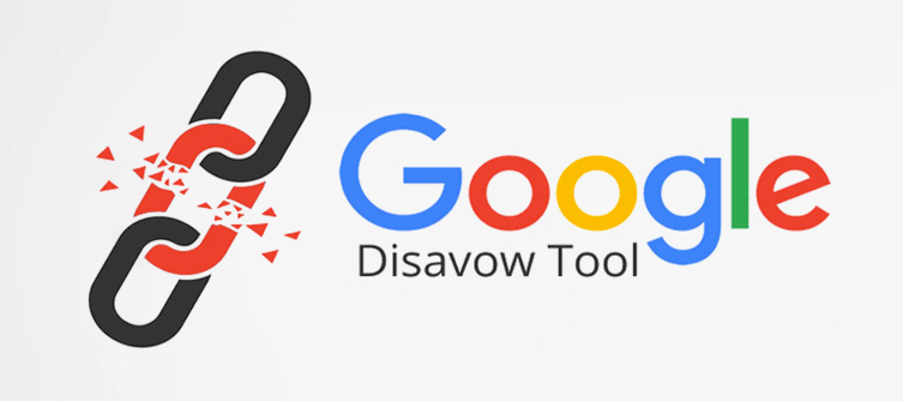
To help webmasters and website owners deal with problematic spammy links, Google has offered to use its disavow links tool that can be found in Google Search Console (GSC). It is an intermediary between the website and Google search engines that rank sites.
Google disavow links generator allows you to specify for search engines which backlinks should be ignored when compiling a website’s link profile. Thus, with the help of a small text (.txt) document of up to 2 MB, you can deactivate links that compromise the website and hinder its promotion in SERPs.
Why Do You Need to Disavow Bad Links
Is it possible to refuse the ability to disavow links Google and still run a successful e-commerce project? Modern spam detection algorithms allow for the removal of a significant portion of toxic links even without the intervention of website owners. However, if you are seriously focused on increasing the position of your website in search results to promote your business, the ability to easily disavow backlinks Google will be a real magic tool for you.
Here are the key reasons for disavowing backlinks to your website if they are spammy and toxic and can spoil the reputation of your business:
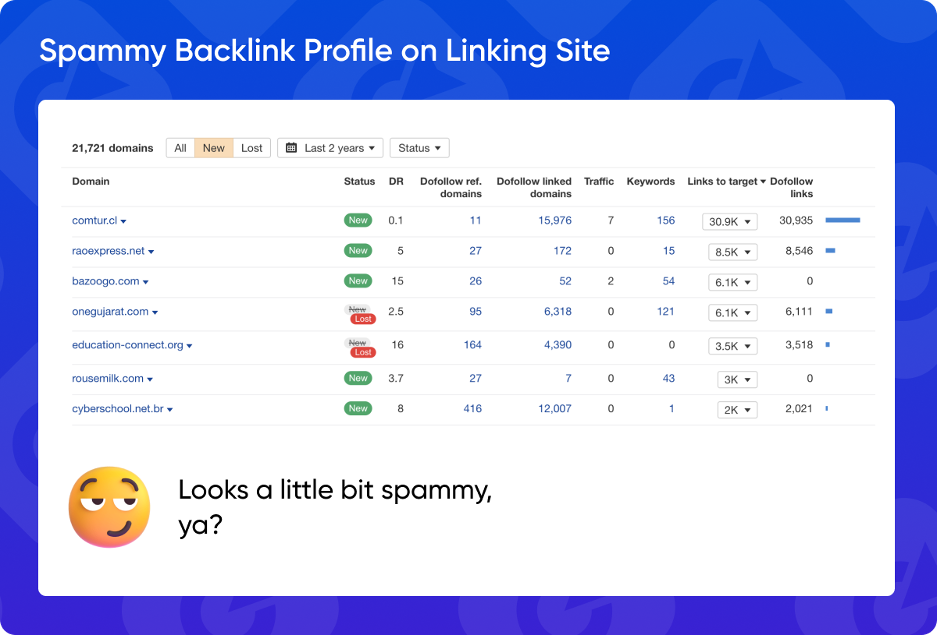
- Protecting your website from search engine penalties. Google and other search engines have a system of penalties for websites that abuse link building. They may perceive spammy links on low-quality websites as an attempt to trick them by buying cheap backlinks. In this case, the Google disavow links tool will help you eliminate this misunderstanding and restore the trust of search engines.
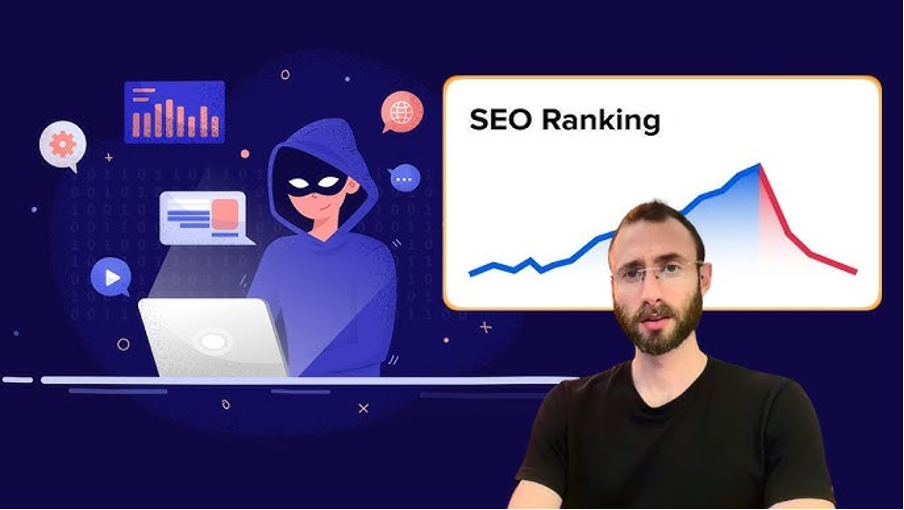
- Traffic recovery or increase. If you have noticed a sharp drop in traffic to your website, it is worth reviewing your link profile. You may find some bad links in your profile that have caused the website’s ranking to drop. Also, if your SEO campaign is not producing results, analyze your backlinks. Perhaps some of them are preventing your site from rising in search results. Once you find them, the backlink disavow tool will help you solve this problem quickly.
- Protection from SEO attacks performed by dishonest competitors. If you are running a successful business and reaching new heights, this can be annoying for some competitors. In this case, they can use SEO tools not to promote their e-commerce project but to undermine your position. However, the disavow backlinks tool will help you cope with this challenge and emerge victorious from this confrontation.
How to Disavow Backlinks in Google Search Console
The SEO procedure of backlinks disavow consists of several stages:
- Preparatory stage. Verify your website on Google Search Console if you have not done so before. Provide documents confirming your right to dispose of this website, because otherwise, you will not be able to disavow links to your site with GSC.
- Identification of all bad links that should be removed from a web page or the entire domain using the disavow links Search Console. To find these links, you can use any of the reputable SEO services, including Ahrefs, Semrush, Moz, WebCEO, and others. Each of them has a feature for identifying backlinks. So, if you are already using one of them, there is no point in changing to another to disavow spam links.
- Forming a text file. All toxic links should be collected in one file with the .txt extension. In one file, you can specify individual pages of the website and the domain as a whole. Do not worry that you will form too large a list. The file can contain up to 100,000 lines, which is enough to disavow links in Search Console.
- Use the disavow links tool page in Google Search Console. Select your website from the drop-down list to be able to upload your text file with toxic backlinks. Then, attach the file to remove bad backlinks. If you have two versions of your website — http and https — you will need to upload this list twice to clean up backlinks from both versions.
- Wait for your website ranking to change. Google Search Console disavows links just after several weeks, so you will have to be patient. Since it does not happen immediately after you have used the backlink removal tool, your website rankings will stay the same for a while. So, do not put off backlink disavow if you have found that bad links are negatively affecting your website’s SERP positions.
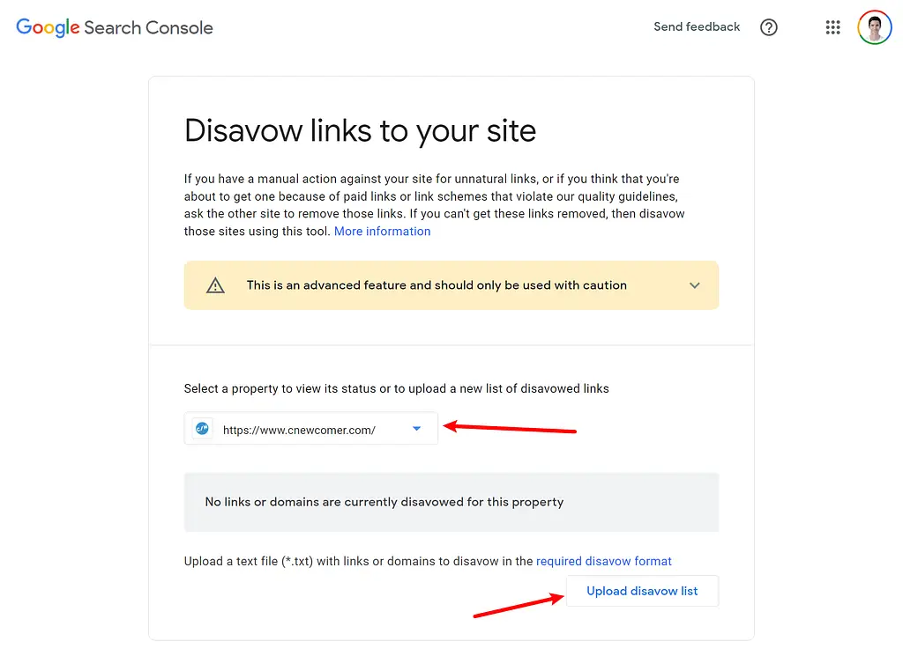
If you find errors in your list of links after you have used the remove backlinks tool, you can undo this action. To do this, use the Cancel Disavowals button, which is located in the same section where you performed the Google backlink disavow.
When to Disavow Backlinks: Important Note from Google
Should you disavow links immediately after you notice a large number of bad links? Google answers this question negatively because it believes that the website owner or webmaster should try to remove these backlinks themselves. To do this, it recommends contacting the owners of the website where you found toxic links. And only if your attempts to negotiate about their removal are unsuccessful can you get rid of bad backlinks using Google Search Console.
The Bottom Line
Spammy backlinks can seriously damage your website’s reputation among search engines and consumers. Moreover, dishonest competitors may try to lower your website’s ranking with a carefully planned SEO attack. In this case, the Google Search Console remove backlinks option will come to your aid. This tool is easy to use, but it takes several weeks to complete the operation. Therefore, the best solution is to monitor all the key indicators of your website to react immediately if a large number of bad links appear.
FAQ
How to disavow backlinks in Search Console?
Find all toxic backlinks using any advanced SEO service and create a text file from them. Upload it to the backlink extractor tool of Google Search Console and wait for the result within a few weeks.
How long does it take for Google to disavow links?
Google Search Console can disavow toxic backlinks for several weeks. That is why you should do this operation immediately after you receive a manual action against your site.
Should I disavow links?
Yes, if you are under SEO attack from dishonest competitors or have a lot of spammy backlinks, you should disavow bad backlinks. This will positively influence your website rankings and impressions.
 ChatGPT
 Perplexity
 Claude
 Google AI Mode
 Grok
Grok